


Ready to take your Instagram game to the next level? Then you need to know how to nail low-light photography on your phone.
Picture this: you are at a party, the vibe is lit, and you want to capture every moment. But the lighting is ~meh~. Dw because with the right skills and a few tricks, you can still snap those Insta-worthy shots even in the dimmest of lighting situations.
Say bye to blurry, grainy pics as four content creators have shared with Cosmo ME how you can capture stunning shots in low light that rival those taken with a DSLR.
So, whether you’re snapping pics at a late-night concert, capturing the beauty of a city skyline at dusk, or just trying to take the perfect selfie in your dimly lit bedroom, get ready to level up your low-light photography game.
Low-light shooting tips from Geny Baluyot
@genyvb

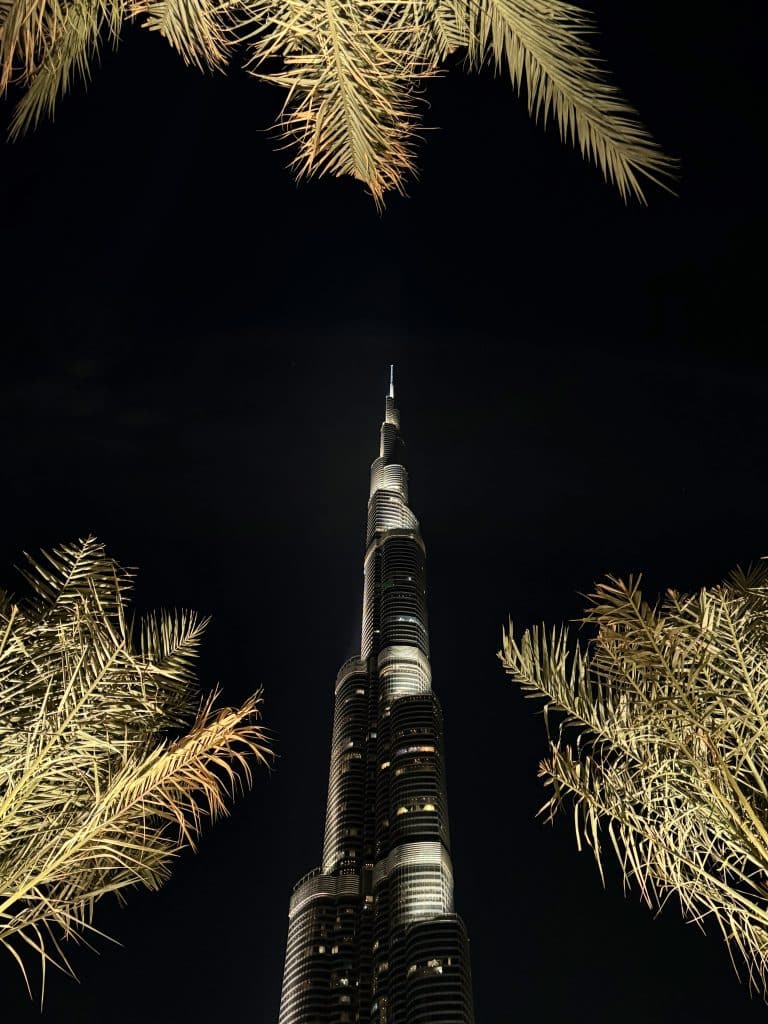
What to do: Adjust Exposure Manually.
How to do it: Tap on the subject of your photo on the iPhone screen, then slide your finger up or down to manually adjust the exposure. This can help brighten up your subject in low-light conditions.
What to do: Stabilise Your iPhone.
How to do it: Use a tripod or stabilise your iPhone against a stable surface to avoid a camera shake. Alternatively, you can hold your iPhone with both hands and gently brace your elbows against your body for stability.
What to do: If you have an iPhone model that supports Night Mode, use it for better low-light photography.
How to do it: Night Mode automatically kicks in when the camera detects low light, capturing multiple images and combining them for a brighter, clearer result. Especially if the subject & background are not moving, I will use the Night mode and try the longest capture duration timing.
Low-light shooting tips from Jerome Rafael
@jeromerafael

What to do: Shoot in RAW: RAW files retain more image data, allowing for better adjustments without loss of quality. This is especially when the scene has some minimal source of strong light coming in.
How to do it: Placing the subject against, directly in front or under the light source… I like playing with lights and shadows.
What to do: Experiment with Composition
How to do it: Don’t be afraid to experiment with different angles, compositions, and perspectives to create visually interesting night shots.
Low-light shooting tips from Herald Herrera
@heraldherrera
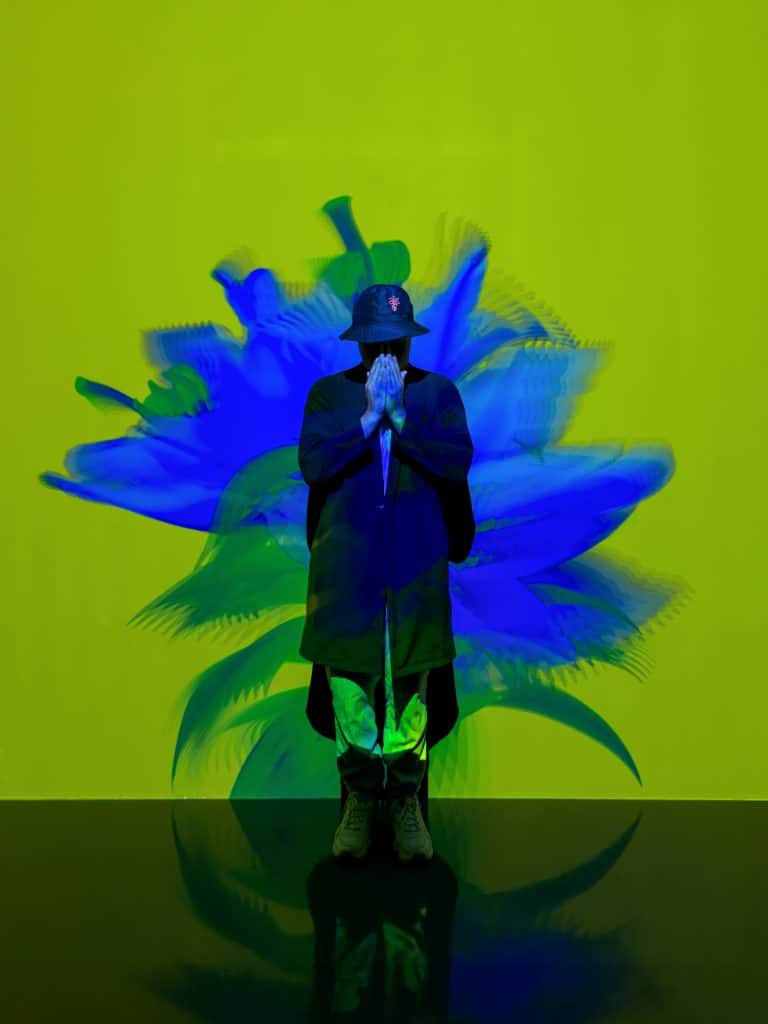
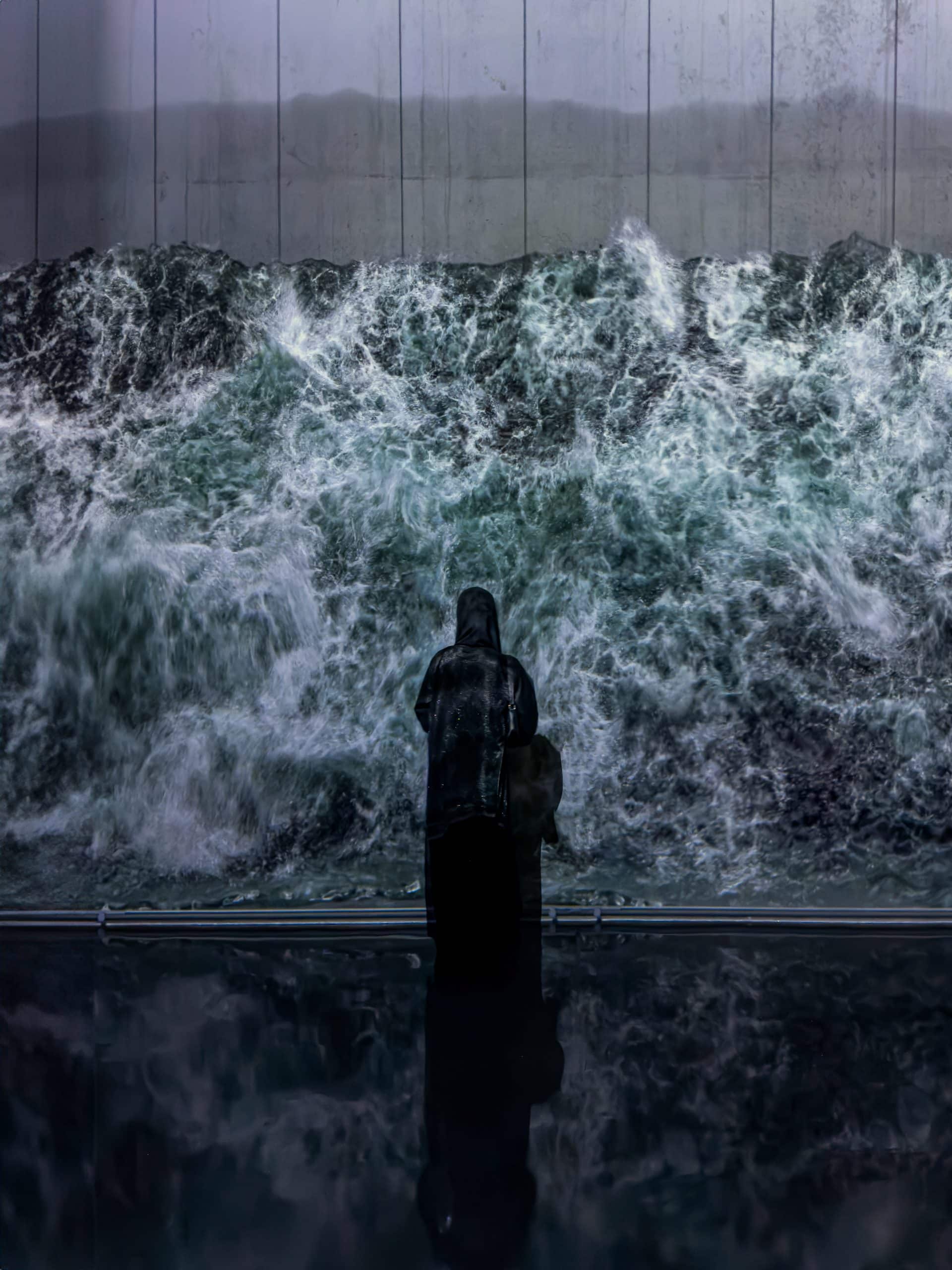
What to do: Avoid digital zoom.
How to do it: Use the default 0.5x, 1x, 2x or 5x lens options and would otherwise “zoom” with feet by physically moving closer or farther away. Never shoot in digital zoom (i.e. don’t set the zoom to 1.1-1.9x, 2.1x – 4.9x and so on).
What to do: Play with other settings like enabling Live Mode
How to do it: Once enabled take pictures and convert it into Long Exposure, purposely moving either the phone or the subject during capture to get an interesting motion blur effect, or using the flash.
What to do: Increase the sharpness level and add a little bit of noise reduction during edit
How to do it: If the image is a bit blurry to begin with, applying grain to give it a dramatic street effect may make a photo a lot more interesting. Increasing saturation, especially the blues and oranges is good to try too.
Low-light shooting tips from Rashed Alsubaie
@irashedz

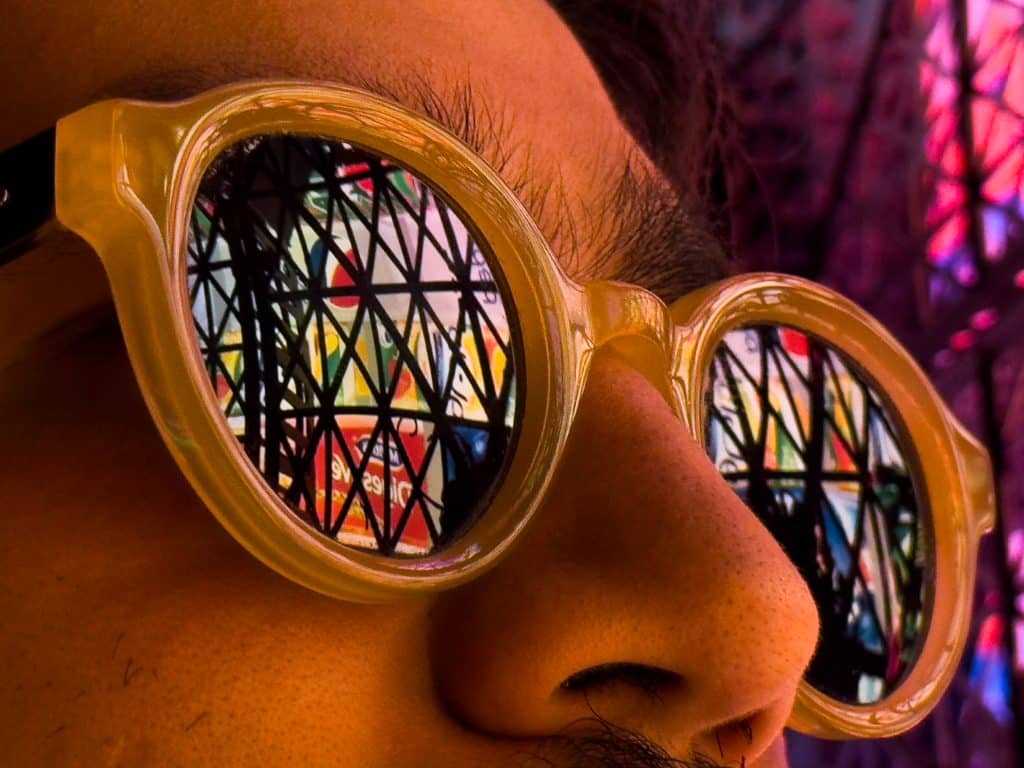
What to do: Add an element or a person to the photo to give it strength.
How to do it: Open the iPhone camera, and adjust the focus on the element you want to highlight.
What to do: Activate the AppleRaw feature.
How to do it: Go to Settings > Camera > Formats, then turn on Apple ProRAW or ProRAW & Resolution Control (depending on your model).
Want to blow up on socials? Here’s how to go viral on TikTok in 2024.