
When I was a teen, my parents sat me down for “the talk.” We covered curfews, car insurance, and part-time jobs. You know what never came up? Passwords. Data breaches. What happens when someone screenshots your private messages?
I’m not blaming them. They didn’t know. Most parents still don’t.
Years later, I build digital experiences for a living—apps that know where you are, what you’re feeling, what you might want next. I’ve seen the beautiful side of data: personalised playlists that actually get you, maps that route you around traffic, and reminders that pop up exactly when you need them. I’ve also seen the ugly side: entire databases sold to the highest bidder, photos circulating without permission, location histories that reveal everything about someone’s life.
Then it happened to me.
Early in my career, when I got the email: “Your personal information has been found on the dark web.” My stomach dropped. Email address. Password. Possibly more. I stayed up until 3 a.m. changing every login I could think of, but the damage was already done. Once your data is out there, it’s out there forever.
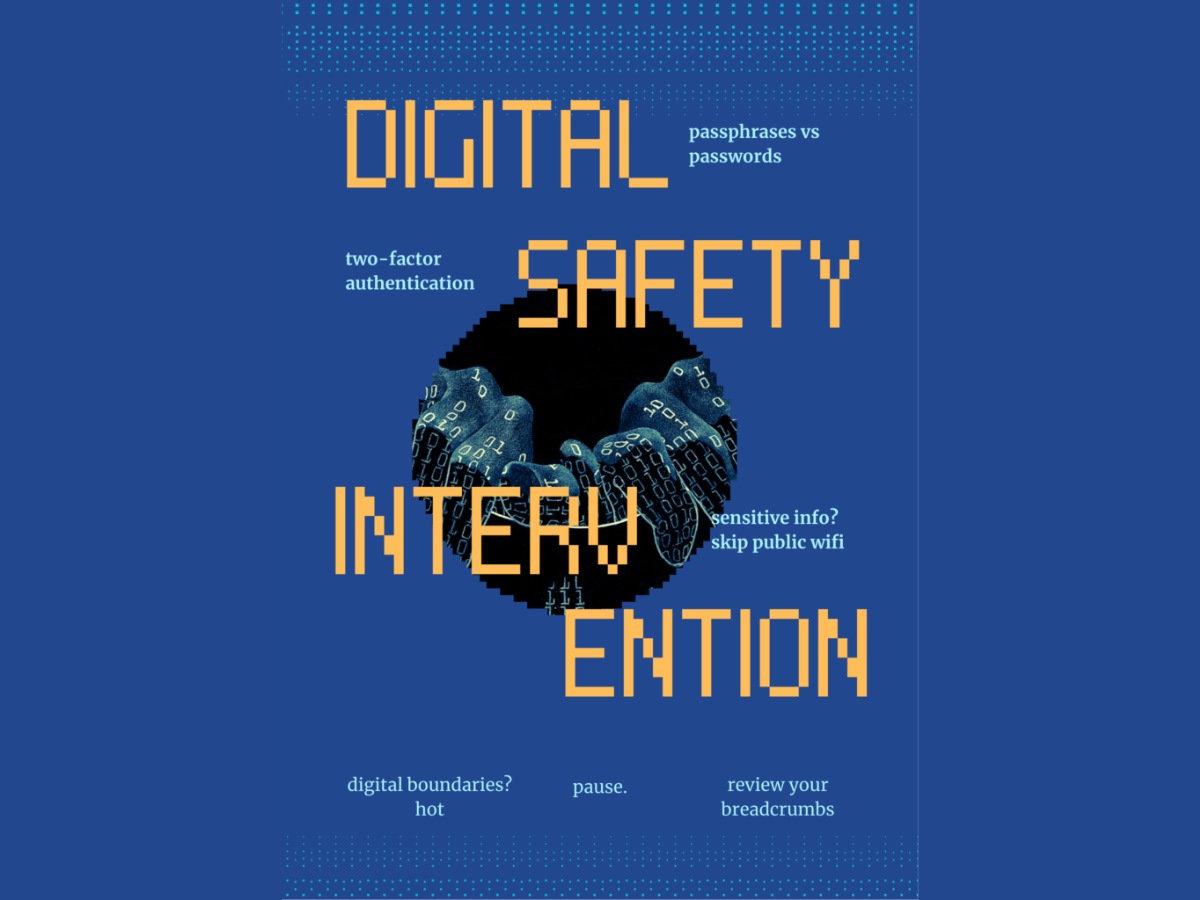
Cybercrime targets all of us. We grew up online, but we never learned how to be safe online. Our digital life isn’t separate from our real life; it is our life. Protecting it doesn’t require a computer science degree. It starts with six intentional habits.
Use a passphrase instead of a password
If your password is your birthday, your pet’s name, or “password123,” we need to have a gentle but serious conversation. If yours is predictable, you’re not protected. You’re just lucky it hasn’t happened yet.
Instead, use passphrases: long, strange, memorable sentences only you would know. Something like “NaniMakes7DishesOnFriday!” Better yet, use a password manager like 1Password or Bitwarden to store unique codes for every account. If someone cracks your delivery app and it shares a password with your email, they have the keys to your entire life.
Stop skipping two-factor authentication
We’ve all clicked “remind me later” on those authentication prompts, but “later” is exactly how accounts get hijacked.
Two-factor authentication (2FA) is the extra door between your private life and a stranger. Even if someone steals your password, they can’t get in without that second code. Turn it on for your email, banking, and social platforms immediately. Use an authenticator app like Google Authenticator instead of SMS, as texts are easier to intercept.
Skip public Wi-Fi for anything sensitive
That free Wi-Fi at the café or airport is convenient, but it’s usually unencrypted. Someone nearby could see what you’re doing without much effort.
I’m not saying never use it, but if you are checking your bank balance or shopping, stick to your mobile data. If you travel or work remotely often, a VPN (Virtual Private Network) is worth it; it encrypts your connection, so your activity stays private.
Set firm digital boundaries
Privacy isn’t just about faceless hackers; it’s also about the people we actually know. It’s easy to rely on ‘View Once’ or disappearing messages, but once something leaves your device, you lose control of it.
Screenshots are permanent and can be misused in ways you never intended. Before hitting send, ask yourself if you’d be comfortable with that image or information existing forever. That moment of trust isn’t always worth the risk.
Pause before you click
Phishing is where criminals impersonate trusted entities (like banks or companies) in emails, texts, or calls. That urgent text, email, or WhatsApp claiming your “account is compromised” or your “delivery failed” is designed to make you panic and click before you think.
Slow down. Check the sender’s address character by character. If something feels suspicious, go directly to the official website or app instead of clicking a link. Remember that a legitimate company will never ask for sensitive information over text or email.
Review your digital breadcrumbs
Most of us have years of apps and permissions we’ve forgotten. Apps, sites, and people might still have access to your photos, contacts, and location without you realising. Take twenty minutes to review these permissions and revoke access for anything you don’t use, and check your “shared” cloud albums.
You don’t need to understand every technical detail of online safety. You simply need to start with smarter digital habits.
Read more about Ariba Jahan, the Head of Connected Experience at Anomaly, where she builds digital experiences for Fortune 500 brands.
Next, check out more about disinformation in the world of group chats.